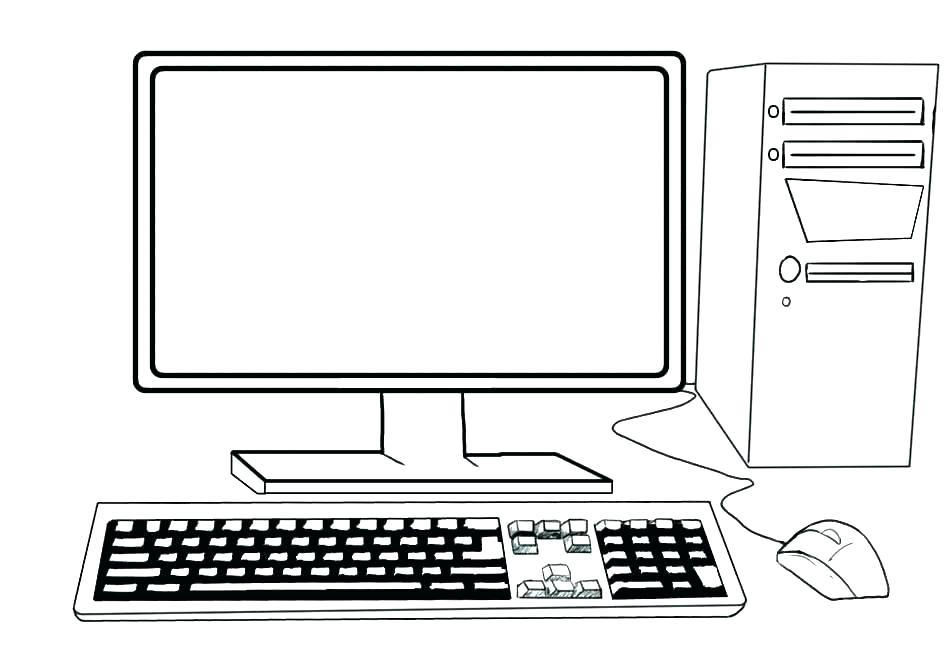
Computer Coloring Page
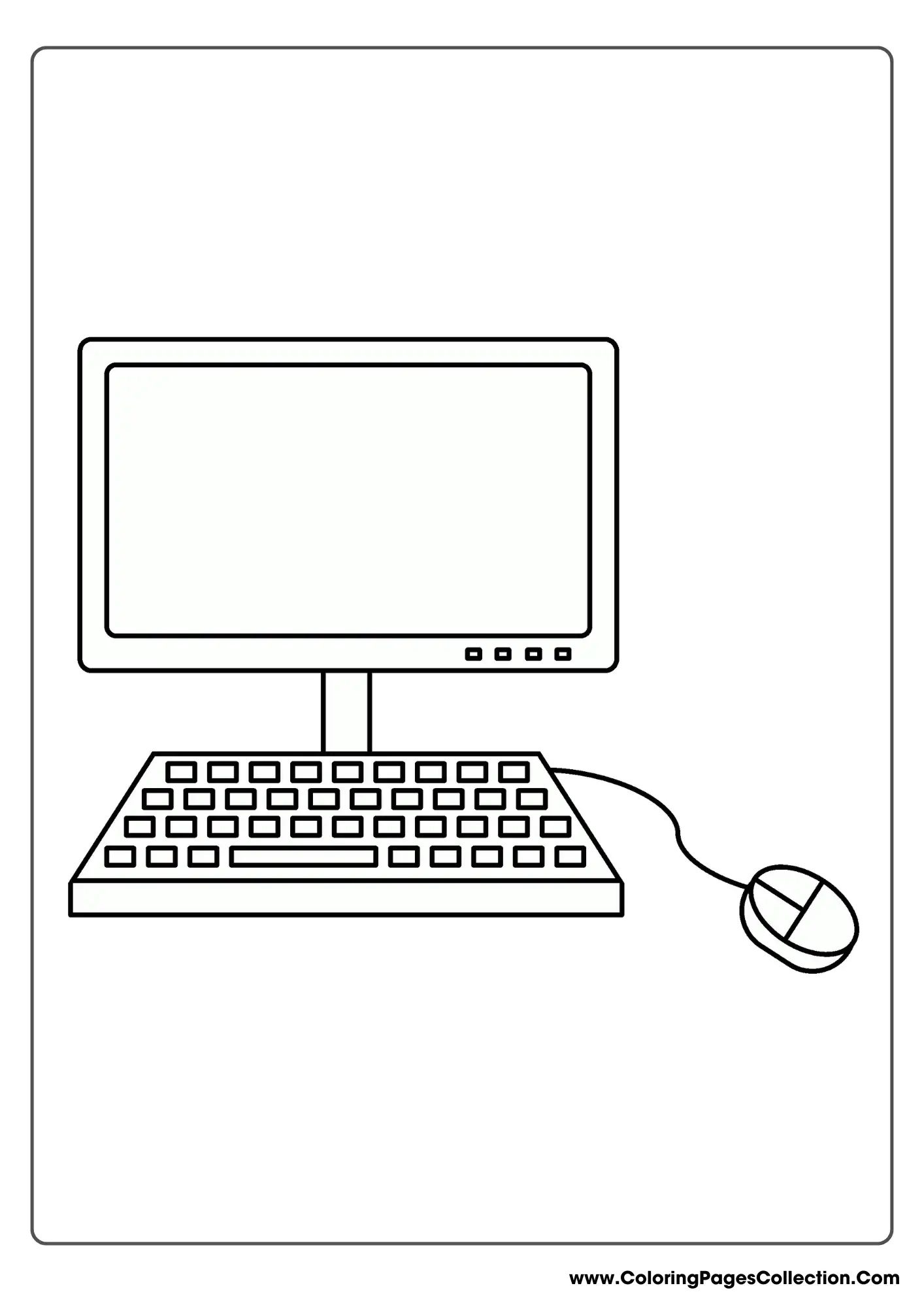
Computer Coloring Page
Hello, young artists and curious learners! Have you ever wondered what goes on inside the magical machine that helps you play games, watch fun videos, and learn new things every day? Today, we are going to explore the wonderful world of technology through art with a fun and exciting computer coloring page! Coloring is not only a fantastic way to relax and have fun, but it also lets you use your imagination to design your very own futuristic gadget in any color you like.
Computers are all around us, helping us connect with friends, do our schoolwork, and discover amazing facts about the universe. By filling in the lines of a computer coloring page, kids can bring a familiar object to life while expressing their unique artistic style. Whether you want to make a rainbow-colored keyboard or a shiny silver screen, this activity bridges the gap between everyday technology and pure creative joy.
What This Coloring Page Features
Our special computer coloring page is packed with fun details that capture the classic look of a desktop computer setup. When you look closely at the picture, you will find several exciting elements to color in.
The Monitor Screen
The screen is the big window where all the pictures and words appear. On this coloring page, the monitor is blank, which means you get to draw or color your own favorite scene right on the glass! Will you draw a smiling sun, a friendly robot, or a playful cat?
Keyboard and Mouse
No computer is complete without a keyboard full of tiny square buttons and a handy computer mouse with a little cord or scroll wheel. Kids can spend time carefully coloring each individual key, which is a great way to practice patience and fine motor skills.
The Central Processing Unit (CPU)
Often called the tower or the brain of the computer, the big box sitting on the desk does all the hard thinking. This section usually has fun little buttons, disk drives, and lights that you can color with bright yellows, neon blues, or fiery reds.
Benefits of This Coloring Activity
Coloring is much more than just a quiet way to pass the time; it is a powerful tool for early childhood development. When children sit down with a box of crayons, markers, or colored pencils, they are building essential life skills. Holding a coloring tool helps strengthen the small muscles in the fingers, hands, and wrists, which later makes writing and drawing much easier.
Additionally, coloring a themed page like a computer encourages children to think about the world around them. It sparks conversations about how technology works, what safety rules we should follow when using screens, and how engineers build these helpful machines. It is a wonderful blend of art, science, and imagination!
How to Use This Coloring Page
Getting started with your computer coloring page is as easy as one, two, three! First, click the download button to save the printable image to your device. Next, ask a trusted adult to help you print it out on a sturdy piece of standard printer paper or cardstock.
Once you have your physical copy in hand, gather your favorite art supplies. You can use traditional wax crayons for smooth, bold strokes, colored pencils for adding cool shading and details, or washable markers for vibrant, eye-catching colors. Feel free to grab some glitter glue, stickers, or foil paper to give your computer a high-tech upgrade!
Tips for Parents and Teachers
- Pair the coloring activity with a fun conversation about how computers help us learn and communicate safely.
- Encourage kids to practice color theory by asking them to create a cool color scheme, like all blues and greens for a futuristic tech look.
- Use the blank monitor screen as a prompt for storytelling by asking the child to describe what is happening inside the computer display.
- Laminate the finished coloring page so it can double as a fun placemat or a reusable dry-erase drawing board.
- Display the completed artwork on a classroom bulletin board or a refrigerator gallery to celebrate the child’s creativity.
Age Recommendations
This computer coloring page is wonderfully versatile and designed to appeal to a wide range of age groups. Toddlers and preschoolers will love coloring the large shapes of the monitor, tower, and keyboard using thick crayons, which helps them learn basic shapes and color recognition.
Early elementary students, such as kindergartners and first-graders, can focus on staying inside the lines, practicing fine motor precision, and adding creative drawings to the monitor screen. Older children can use this page as a starting point for sketching their own imaginative computer designs or comic book strips featuring friendly robots.
Frequently Asked Questions
Is this computer coloring page completely free to use?
Yes! You can download, print, and color this page as many times as you like for personal, home, or classroom use.
What kind of paper is best for printing coloring pages?
Standard copy paper works great for crayons and colored pencils. If you plan to use wet markers or paints, a slightly heavier cardstock paper is recommended to prevent bleeding.
Can I use digital coloring apps with this page?
Absolutely! You can save the image file to a tablet or computer and use digital painting applications to color it in using a stylus or your fingertip.
Explore More Free Printable Coloring Pages
Did you enjoy bringing this computer to life with color? The learning adventure does not have to stop here! We offer a massive library of free printable coloring pages featuring everything from outer space adventures and roaring dinosaurs to helpful community helpers and cute animals. Keep exploring our website to discover new themes that will spark joy, creativity, and endless hours of artistic fun for your little ones!
Images References